01 / THE MIX
Footsteps stay in the mix.
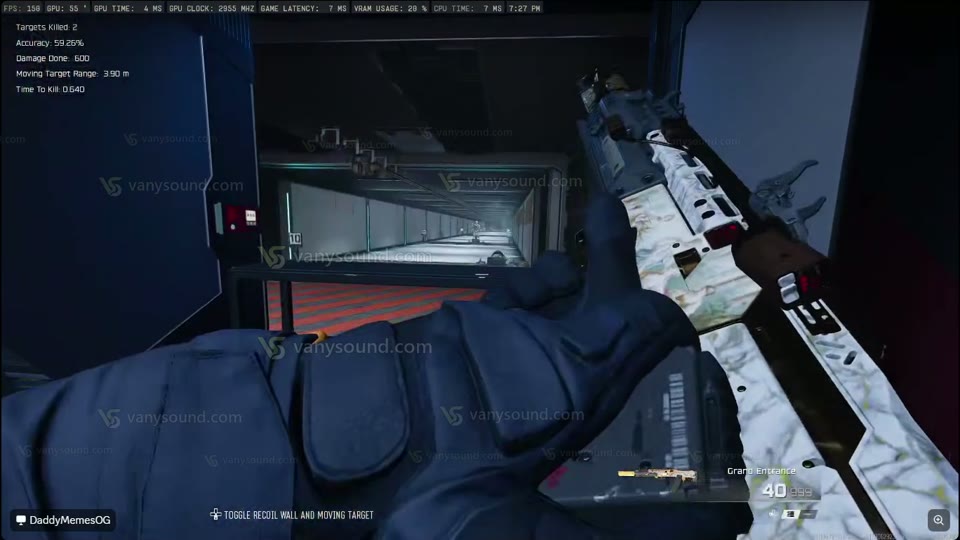
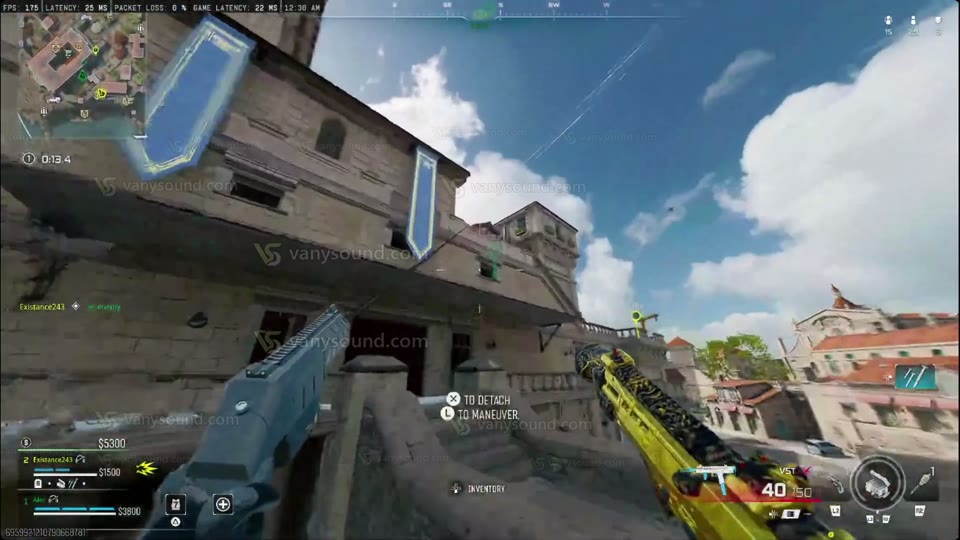
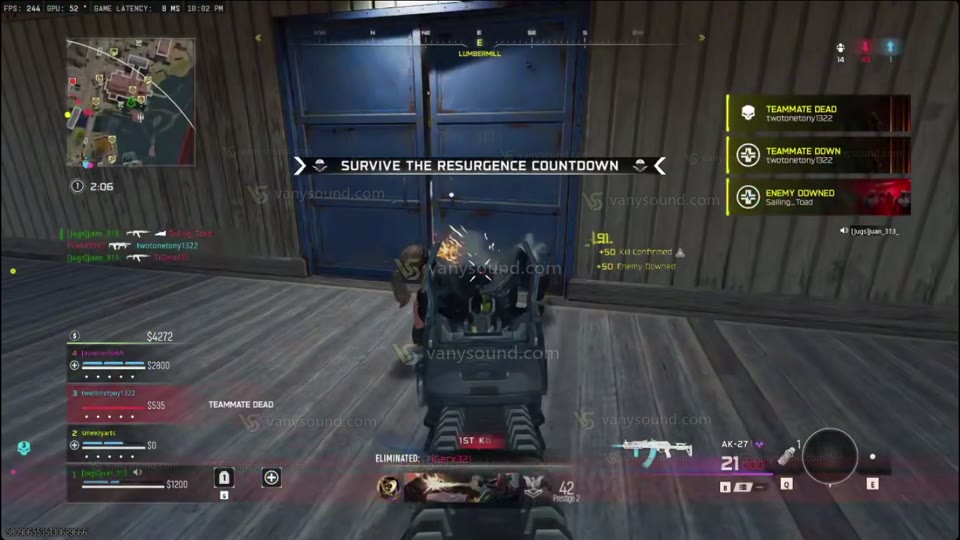
Hear a player explain the balance between quieter sounds and footsteps that stay present.
WARZONE & MULTIPLAYER AUDIO FOR WINDOWS
Bring the footsteps into focus. Tune the mix for your headphones, compare the recordings, and hear what players are saying.
Windows 10 / 11 · x64 Pro required to process audio.
Players. In their own words.Watch their reactions and listening experiences. vanysoundWARZONE
Play Demo starts the Smoke screen clip at 0:04.
Recorded gameplay · listen with headphones.
Windows PC
Your headphones
Warzone
Multiplayer
01 / HEAR IT FOR YOURSELF
Start with this 13-second comparison. Same scene, matched listening level. Switch between the recordings and listen for the footsteps.
Same scene. Matched loudness. Switch between recordings and listen for the footsteps in the mix.
ORIGINAL / VANYSOUND
Put on your headphones. Press play, then switch between Original and VanySound without restarting the scene.
Original recording · ready to play
Explore ProRecorded audio · aligned timing and matched listening level. Your results depend on your headphones and game settings. No live processing runs in this page.
03 / YOUR SETUP
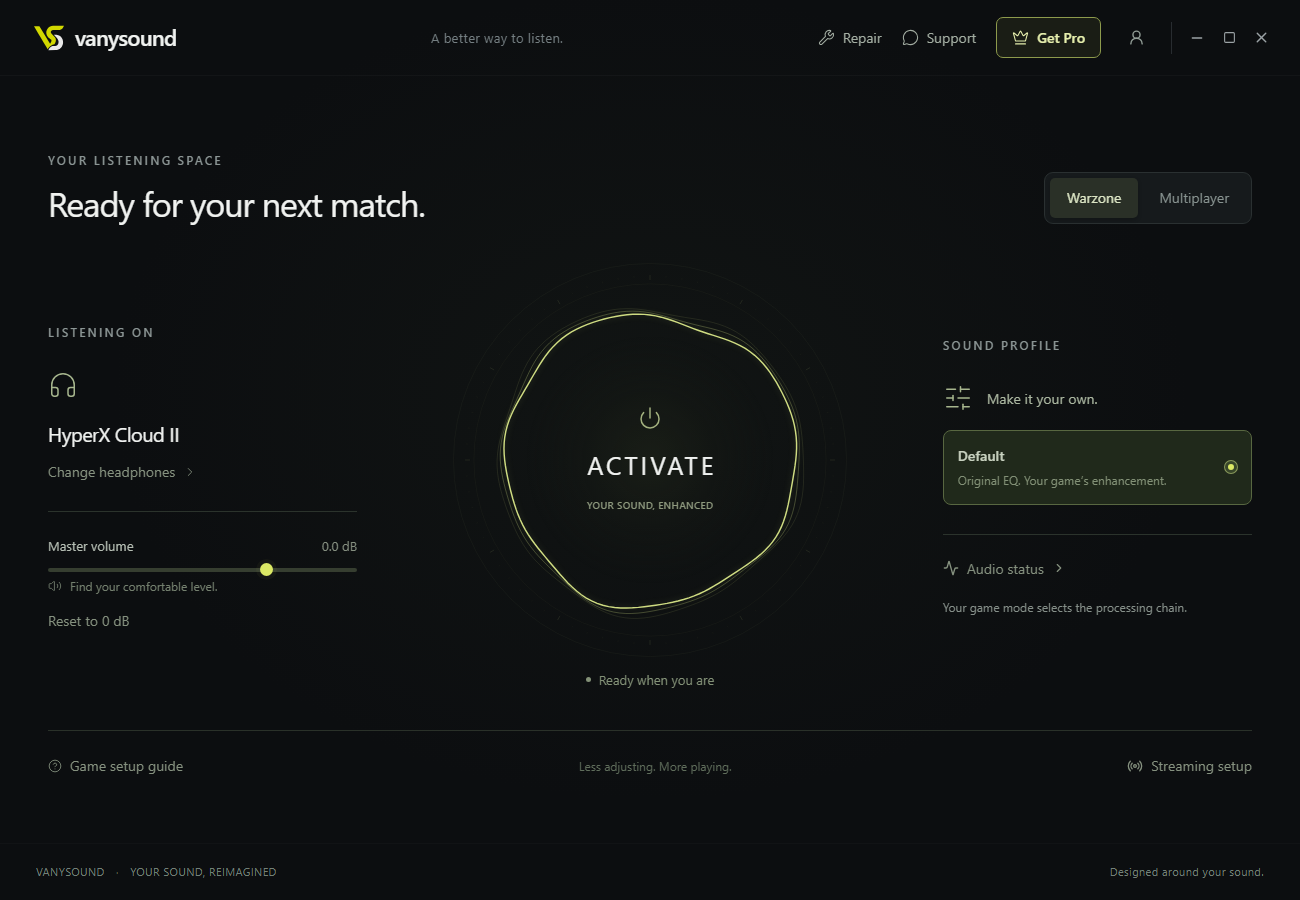
Select the headphones or audio output you use in Windows.
Follow the in-app Warzone setup guide.
See your audio status and adjust your volume in one place.
04 / YOUR SOUND. YOUR PLAN.
Get the full VanySound audio experience with either plan.
Choose a monthly subscription or one-time permanent access.
Renews monthly. Cancel future renewals anytime.
THE COMPLETE PRO EXPERIENCE
One payment. No expiry. No monthly subscription.
SAME PRO AUDIO. NO MONTHLY BILL.
Both plans include the same audio features.
Already have a license?
Prices shown in USD. Checkout is handled securely by Stripe. No VanySound account needed before payment.
The clip couldn’t load. or choose another scene.
These gameplay clips are separate from the comparison above. Listen for details with your headphones; results depend on your setup.
05 / BEFORE YOU QUEUE UP
Need help with your setup?
We’re a click away.
You can download and install VanySound for free. Pro is required to activate audio processing. You can listen to the recorded comparisons and player experiences before choosing a plan.
VanySound runs on Windows 10 and 11 on x64 PCs. It is not a Mac or console application. Your headphones must be available as an audio output in Windows.
The app lets you select a headphone output detected by Windows. Start with the headphones you already use and check the available output inside the app. Results vary by hardware and game settings.
VanySound includes Warzone and Multiplayer modes. The setup guide shown is for Warzone. It does not promise dedicated profiles for every game or a guaranteed competitive advantage.
Monthly Pro is $19.99 USD per month and renews until canceled. Permanent Pro is a single $68 USD payment with no expiry and no monthly renewals. Both unlock the audio engine.
Yes. VanySound verifies your access online and retrieves the protected processing components. Keep your PC connected while using the app.
Pro supports up to two linked PCs. Use the same account on each. If you need to replace a linked device, contact support before purchasing again.
Contact support with your purchase email or receipt. The team can explain the terms that apply to your order and help resolve access or setup issues.
The app has a setup guide, audio status and repair tools. Support is available through the VanySound Discord community; you can also email the team. .
YOUR NEXT MATCH IS WAITING
Windows 10 / 11 · Your headphones · Your listening space